Endings & Secrets
Where to back up an Endacopia save for Endings A, B and C
Where should I back up my Endacopia save for all three endings?
For Endings A and B, copy your own save immediately before handing over a saw in Chapter II: Toy Saw leads to A and the real Saw leads to B. For area secrets and Ending C, keep an earlier copy before the boss encounter in each of the three Chapter I areas. The sources support copying the entire Endacopia save folder on Windows or SteamOS; no downloaded save is needed.
Check first
- Decide what you need: only the A/B saw choice, or a reusable Chapter I state for area secrets and Ending C.
- Only copy your own save folder. Never move, delete or overwrite the only copy. Keep one untouched source backup.
- Quit Endacopia completely before copying or restoring files. A running game may write over the folder again.
What to do
- Prepare the three Chapter I areasProgress each area to its pre-boss point and stop before the boss/closure trigger—Misery Town before asking everyone to leave, Timesville after Ozzie's tape reveals the waterfall path, and the Office after obtaining the Core Key with productivity maxed.
- Save and quit firstUse the Super-Saver at the chosen point, wait for the save to finish, then close Endacopia completely before touching files.
- Copy the whole folderOn Windows, copy C:\Users\<your name>\Saved Games\Endacopia\. On SteamOS, copy ~/.local/share/Steam/steamapps/compatdata/2684630/pfx/drive_c/users/steamuser/Saved Games/Endacopia/. Keep a separate dated copy for each area if you want each pre-boss checkpoint.
- Name and protect each backupInclude the area, purpose and date—for example, Endacopia-backup-timesville-pre-boss-2026-09-16—and do not edit the untouched source copy.
- Create the late A/B copyBefore handing over a saw in Chapter II, save again and copy the whole folder under a different name. Toy Saw leads to Ending A; the real Saw leads to Ending B.
- Protect the live save before restoringQuit the game, copy the current live folder to a new dated location, then restore from a duplicate of the chosen backup. Never restore from the only untouched source copy.
- Stop on a Steam Cloud conflictIf Steam asks you to choose between local and cloud data, do not choose immediately. Copy both versions first, then decide which timestamp to keep.
The A/B copy loads just before the saw handover, while each Chapter I copy loads before that area's boss/closure trigger. Load a duplicate once before trusting it, and keep the untouched source until you are finished.
Never restore files while the game is running. If Steam shows a local/cloud conflict, stop and copy both versions before choosing. This page covers your own folder copies only; it does not link a save download or teach you to delete individual save files.
Find the same screen
Use the screenshots to check that you are in the right room. Community images link back to the original post.
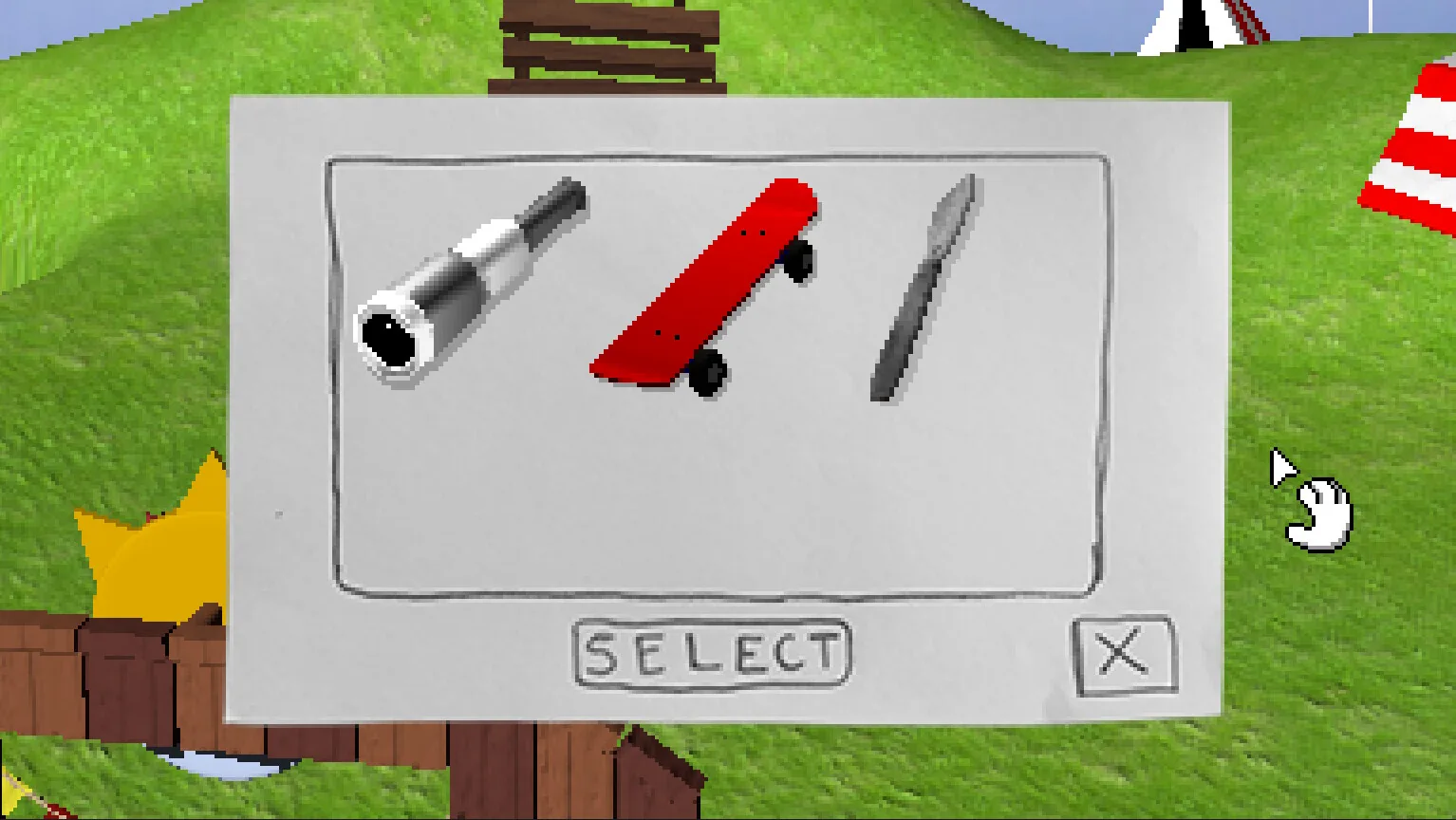 Exact scene
See it in action
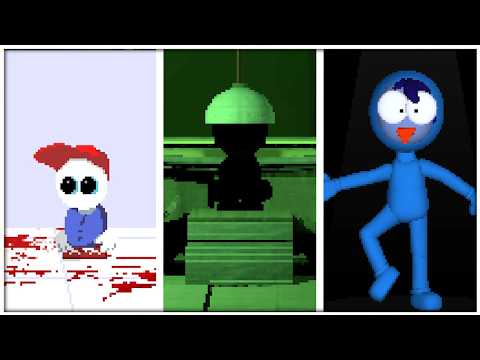
The links start at the useful moment.
 ▶ WATCH
VIDEO BY Zhain Gaming
Ending A and Ending B visual comparison
Shows the A and B outcomes. Backup steps come from the Steam guide and player reports.
Sources
Built from the sources below. We have not run this route ourselves unless the page says so.
Dolphin's Steam guide gives the Windows and SteamOS paths and says to stop before each of the three Chapter I boss encounters. Two independent player posts confirm copying the whole Windows Endacopia folder and identify the shared pre-boss state. This page gives operations for the player's own backups only; it does not provide or recommend downloading another player's save.